ek777 Login
One account covers the casino lobby, the cricket markets and every bonus you claim. Sign in with the mobile number you used at sign-up, then confirm the one-time code if we ask for one. The same details work on desktop and in the app.
- Number and password are identical on web and app
- An SMS code only appears on a new device
- Live chat is open 24/7 if the form locks you out
18+ · Play Responsibly
Sign In to Your Account
On This Page
Four Taps Back to the Lobby
The whole sign-in takes under a minute on a steady 4G connection. Here is the order that works, whether you are on a laptop at home or on a bus with your phone in one hand.
-
Open the sign-in screen
Load ek777.me in your browser or tap the ek777 icon on your home screen. The Login link sits in the top menu of every page, so you never have to hunt for the form in the middle of a match.
-
Type your mobile number
Enter the number you registered with, in local format and without spaces. This is the same number that receives your bKash and Nagad confirmations, which makes it the easiest detail to recall at a busy counter.
-
Enter the password
Passwords are case-sensitive, so check that Caps Lock is off before you type. Tap the eye button inside the password box to reveal the characters. That saves you from clearing the field and starting the whole form again.
-
Clear the one-time code
On a new phone, or after a long break, we send a one-time code by SMS. Paste it into the box before the on-screen timer runs out. The lobby then opens with your balance and your saved bets ready.
Mobile Number, Username or the App
Three routes reach the same account. Choose by the device in front of you and by how much typing you feel like doing.
| Sign-in route | What you enter | Suits | Keep in mind |
|---|---|---|---|
| Mobile number | Registered number and password | Shared phones, borrowed laptops, first login on a new device | Always available, even if you never picked a username |
| Username | The nickname you chose at sign-up and password | Players who sign in several times a day | Forgotten the nickname? Use the number instead |
| Android app | Same details, plus fingerprint if your phone allows it | Daily play on mobile data | Version 2.6.11, 52 MB, Android 7.0 and above |
| Live chat recovery | Nothing until the agent verifies you | Dead SIM, forgotten password, locked account | Open 24/7. Keep your NID ready; review can take up to 24 hours |
Keep the Account Yours Alone
Login forms are the front door of your balance. Five habits cover almost every case we see in chat.
- Use a password found nowhere elseA bKash PIN, a birth date or the word password itself is the first thing an outsider tries. Build something long from two unrelated words plus a symbol, and keep it in your phone's password manager rather than a notebook.
- Treat the SMS code like cashNobody from ek777 will ask you to read a one-time code aloud, and no agent needs your password to help you. If a caller claims otherwise, end the call and open live chat yourself from the site.
- Check the address before typingBookmark ek777.me and reach the form from that bookmark each time. Copycat pages mimic the layout and harvest whatever you enter. A closed padlock plus the correct domain name is the pair worth checking.
- Sign out on shared devicesCyber cafés, print shops and borrowed phones hold on to cookies after you leave. Tap Log out, then clear the browser history. Inside the app, ending the session from the profile tab hides your balance again.
- Look at the small things weeklyOpen your bet history and balance once a week. A bet you never placed, or a deposit you never made, is the earliest sign that someone else has your details. Report it in chat and change the password straight away.
When the Form Says No
Most failed logins come down to six causes. Match what you see on screen to the row below before you contact support.
| What you see | Why it happens | What to do |
|---|---|---|
| Password rejected on every attempt | A saved password from an older account, or Caps Lock is on | Retype it by hand with the eye button on. Repeated failures trigger a short cooldown, so reset the password instead of guessing again. |
| The one-time code never lands | Full SMS inbox, a call-filter app, or weak signal indoors | Wait for the timer, then request once more. Restart the handset, move near a window, or switch to Wi-Fi and sign in through the app. |
| Page wipes the form and reloads | Cookies blocked, or an old cached copy of the page | Allow cookies for ek777.me, clear the cache, and try a private window. If the form works there, update the browser. |
| Account locked after several tries | Sign-in pauses automatically after repeated failures | Stop trying. Reset the password by SMS, or message live chat with your NID and registered number for a manual unlock. |
| Signed in, but the balance looks wrong | A deposit still posting, or a second account opened by mistake | Deposits normally land in 3 minutes. Check the number in your profile, refresh once, then ask chat for the transaction ID. |
| App closes on the login screen | Outdated APK, or Android older than 7.0 | Install the current 2.6.11 build (52 MB) from the app page, clear the app cache, and free a little storage before opening it again. |
Locked Out? Reset It From the Login Box
A reset takes about two minutes and does not need a call. Stay on the same page as the form and follow the three steps.
-
Ask for a reset code
Tap Forgot password under the password box. Enter your registered mobile number in the same format you used at sign-up and send the request. On a healthy network the code arrives by SMS within a minute.
-
Set a fresh password
Type the code, then choose a password you have not used on any other site. Two unrelated words plus a symbol is easy to remember and slow to guess. Never reuse your bKash PIN here.
-
Sign in and tidy up
Log in with the new password, then update the saved entry in your browser or app so the old one stops appearing. If you were using a shared device at the time, sign out of it before you close the tab.
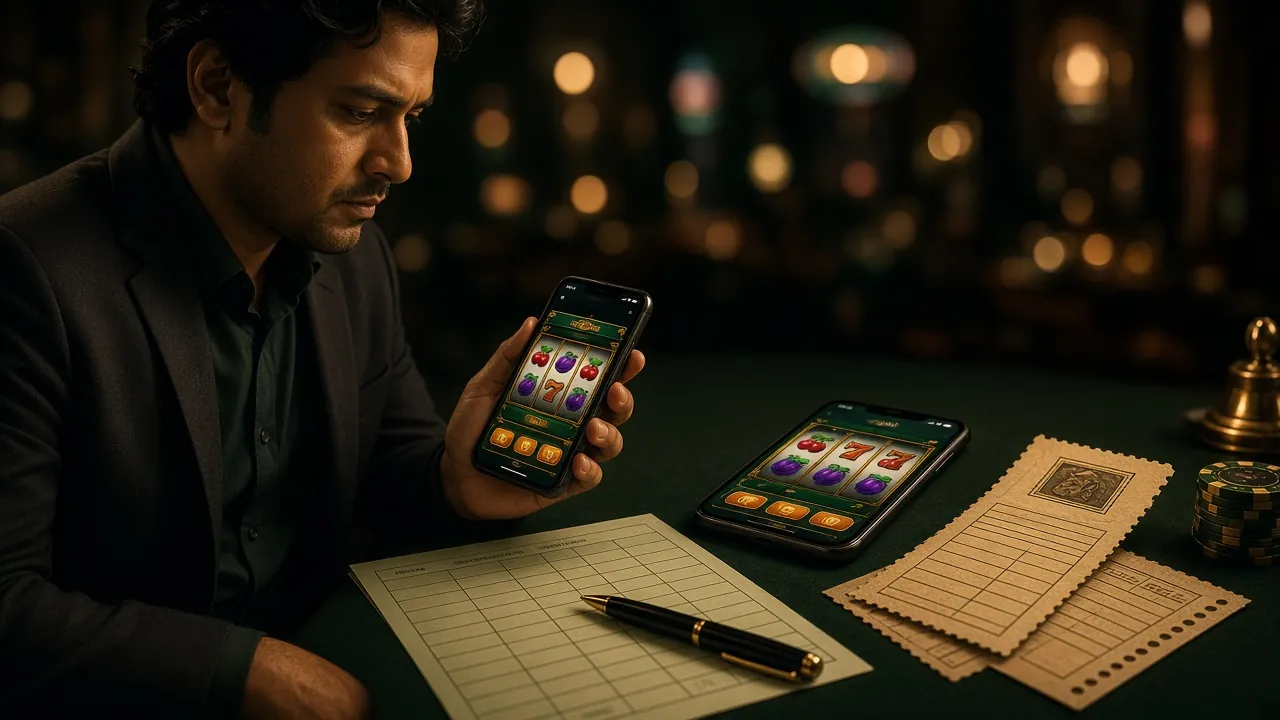
Sign In Once, Stay Signed In
On the phone the session holds until you end it, so you open straight into the lobby instead of retyping details every time you check a score. The current build is version 2.6.11, it weighs 52 MB, and it needs Android 7.0 or newer.
Install it from the app page, then sign in with the same number and password you use in the browser. Fingerprint sign-in is available if your handset supports it.
No account yet? Register here first, or browse the casino lobby to see what is waiting after sign-in.
Questions From the Sign-In Queue
Access and passwords
- Password rejected
- Account locked out
Codes by SMS
- Code never arrives
- New mobile number
Devices and limits
- Staying signed in
- Sharing one account
- KYC before login